What if your eBook app is quietly making you read less?
The right app should match how you actually read: late-night novels, highlighted research, audiobooks on the commute, or quick chapters between meetings.
But with so many apps offering different libraries, formats, syncing tools, pricing models, and customization options, the “best” choice is rarely one-size-fits-all.
This guide will help you choose an eBook app that fits your reading style, device habits, budget, and the way you like to discover, save, and enjoy books.
What Makes an eBook App Fit Your Reading Style?
An eBook app fits your reading style when it supports how, where, and why you read-not just which books it sells. If you read during a commute, offline reading, fast cloud sync, and adjustable fonts matter more than a huge store. If you study or read for work, look for highlights, notes export, PDF support, and cross-device access on your phone, tablet, and laptop.
For example, a student using Kindle may benefit from searchable notes and syncing across devices, while a casual reader may prefer Libby because it connects to a local library and reduces monthly subscription cost. I’ve seen many readers switch apps not because of book selection, but because small usability issues-slow page turns, poor night mode, or messy annotations-made daily reading feel inconvenient.
- Reading comfort: Check font controls, dark mode, page layout, and blue light-friendly settings.
- Content access: Compare eBook store pricing, library borrowing, audiobook integration, and subscription plans.
- Productivity tools: Look for bookmarks, note-taking, dictionary lookup, PDF markup, and export options.
Also consider device compatibility and digital rights management, especially if you buy books from multiple platforms. Some apps work best inside one ecosystem, while others give you more flexibility with EPUB files, cloud storage, or family sharing. The best choice is the app that removes friction from your normal routine and makes reading easier to keep doing.
How to Compare eBook Apps by Features, Formats, and Device Compatibility
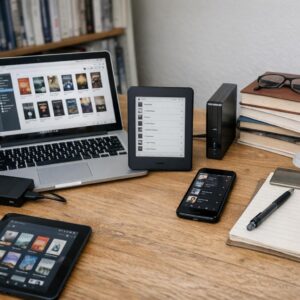
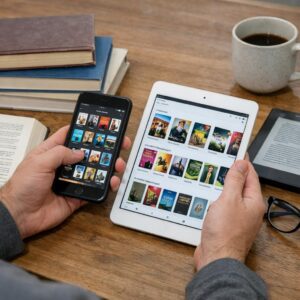
Start by matching the app to how you actually read, not just which one has the biggest store. If you switch between an iPhone, Android tablet, laptop, and e-reader, look for cloud sync, offline reading, bookmarks, highlights, and cross-device progress tracking. A student reading PDFs with annotations will need different tools than someone who only buys novels on Amazon Kindle.
File format support matters more than many readers expect. EPUB is common for independent bookstores and library downloads, while PDF is better for textbooks, reports, and fixed-layout documents. Kindle apps handle Amazon purchases well, but EPUB or DRM-protected files may require conversion through tools like Calibre or a compatible reading platform.
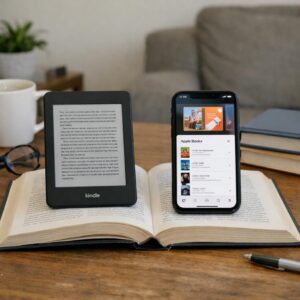
- Best for casual reading: Kindle, Apple Books, or Google Play Books with simple syncing and large ebook stores.
- Best for libraries: Libby works well for borrowing free ebooks and audiobooks with a library card.
- Best for documents: apps with PDF annotation, cloud storage integration, and stylus support are worth considering.
Also compare the total cost, not just the free download. Some apps push ebook subscriptions, premium audiobook plans, or in-app purchases, while others let you upload your own files at no extra charge. In real use, the “best” app is often the one that saves time: for example, a commuter may value audiobook integration and offline downloads more than advanced formatting controls.
Before committing, test one purchased book, one free sample, and one personal document. This quickly reveals whether fonts, night mode, page layout, syncing, and device compatibility feel comfortable enough for daily reading.
Common Mistakes to Avoid When Choosing an eBook Reading App
One common mistake is choosing an app only because it has a large book catalog. A huge library is useful, but if the app has poor font controls, weak offline reading, or no cross-device sync, the daily reading experience can become frustrating fast.
Another issue is ignoring format compatibility. For example, if you already own EPUB files from independent bookstores, an app locked mainly to one ecosystem may limit you. Readers who use Kindle, Google Play Books, or Kobo should check whether the app supports EPUB, PDF, audiobooks, annotations, and cloud backup before committing.
- Overlooking total cost: Compare subscription fees, in-app purchases, audiobook pricing, and premium features before choosing.
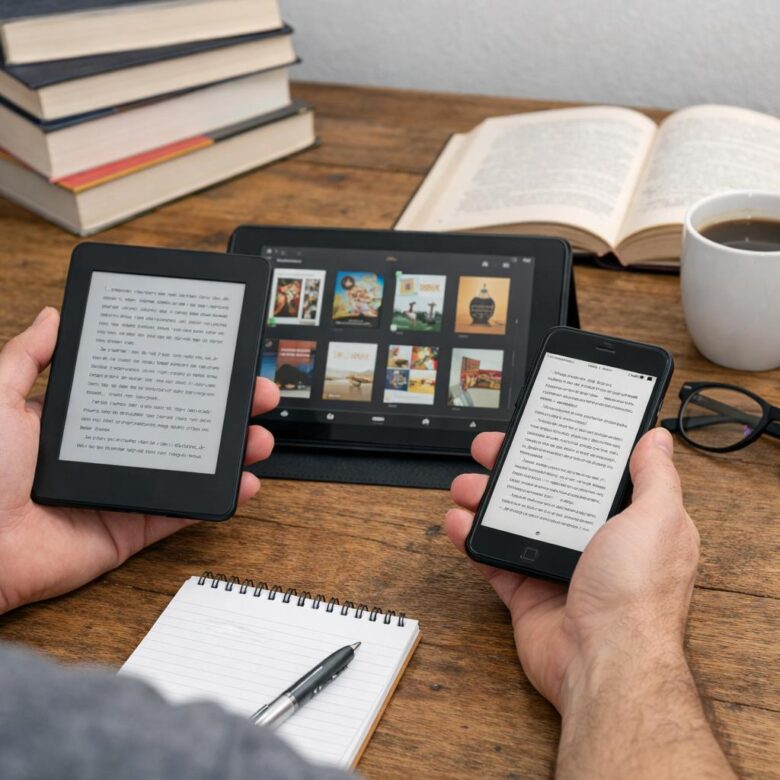
- Forgetting device comfort: Test the app on your phone, tablet, or eReader to see how it handles night mode, spacing, and battery use.
- Ignoring export options: If you highlight for study or work, make sure notes can be exported to tools like Notion, Evernote, or email.
A practical example: someone reading business books during commutes may benefit more from an app with audiobook support and reliable syncing than from the cheapest eBook app. On the other hand, a student may need strong PDF markup, search, and citation-friendly notes.
Also, don’t skip the privacy and account settings. Some reading apps collect reading activity, purchase history, and device data, so reviewing permissions and cloud storage options is part of choosing the right digital reading platform.
The Bottom Line on How to Choose the Best eBook App for Your Reading Style
Choosing the best eBook app comes down to matching features with how you actually read. Do not pick the most popular app by default; pick the one that removes friction from your routine.
- If you read across devices, prioritize syncing and cloud access.
- If you study or research, choose strong notes, highlights, and export tools.
- If you read for comfort, focus on layout, fonts, dark mode, and organization.
The right app should feel invisible: easy to use, reliable, and suited to your habits. Test a few options, then commit to the one that keeps you reading more consistently.

Dr. Silas Vance is a Doctor of Education (EdD) and a digital literacy researcher focused on the evolution of modern reading. He explores the synergy between cognitive retention and digital interfaces, providing expert insights into the apps and tools that transform how we consume and master information in the digital age.